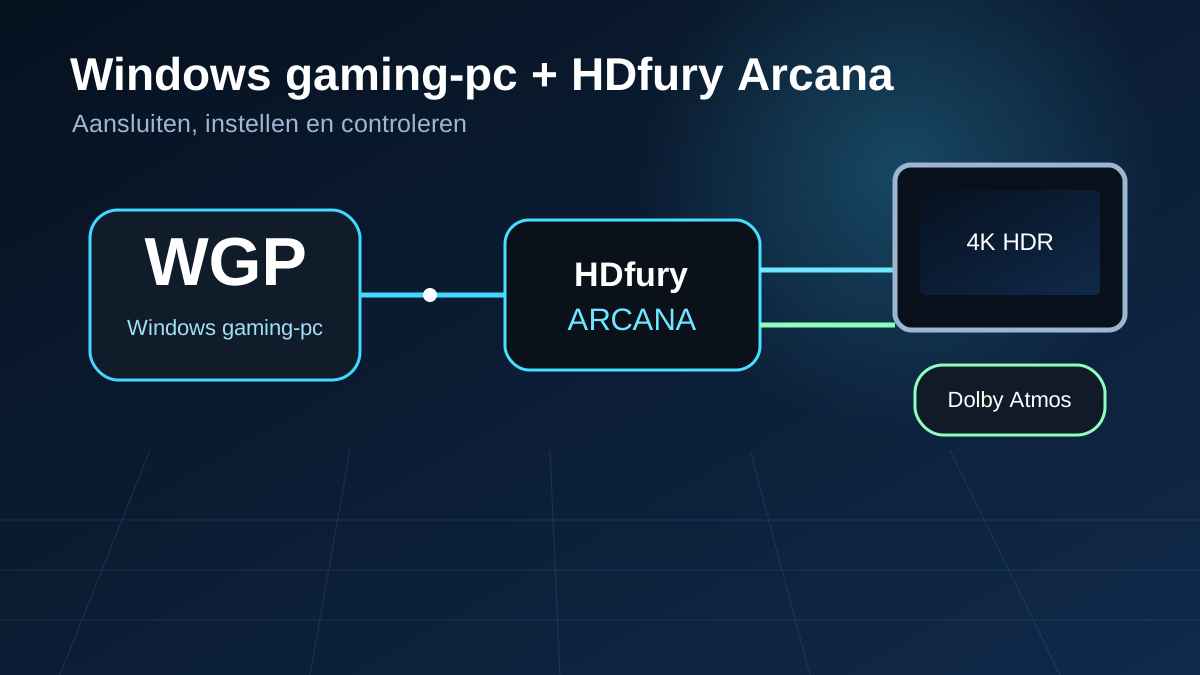
Windows gaming-pc through HDfury Arcana for video and audio.
About this player
Why use Windows gaming-pc with HDfury Arcana?
Een gaming-pc kan zeer uiteenlopende resoluties, verversingssnelheden and audioformaten uitsturen. A vaste, gecheckde configuratie voorkomt Windows-handshakeproblemen and ongewenste PCM- of stereoweergave.
Arcana extracts audio from the HDMI signal before a TV or projector can restrict it. A compatible soundbar or receiver can therefore receive the best available soundtrack while the video signal continues to the display.
After installation, verify that the TV reports the correct resolution and HDR mode.
Check the Sonos app or receiver display to confirm that Dolby Atmos or the intended surround format is received.
Only force EDID or scaling when the automatic configuration is not stable.
Two different connection methods
Arcana and Arcana 2 are not the same
Arcana is suitable for 4K60 desktop and movie use. Arcana 2 is required for the full HDMI 2.1 gaming experience.
With limitations
Setup with Arcana
Up to 18 Gbps · maximum 4K60
Windows gaming PCHDMI source
→
ArcanaSeparate audio and video
→
TV / projectorVideo
+
Soundbar / AVRAudio
Cable order: Windows gaming-pc → Arcana HDMI IN → HDMI OUT to TV/projector + eARC to soundbar
Use this route when 4K60 is sufficient and you need one video output.
With limitations
Setup with Arcana 2
Up to 40 Gbps · 4K120 · VRR · FRL5
Windows gaming PCHDMI source
→
Arcana 2Separate audio and video
→
TV / projectorVideo
+
Soundbar / AVRAudio
Cable order: Windows gaming-pc → Arcana 2 HDMI IN → TX0 to TV/projector + eARC to soundbar
Use TX1/HDMI audio when a second display or HDMI receiver is required.
Key difference for Windows gaming-pc
Arcana is suitable for 4K60 desktop and movie use. Arcana 2 is required for the full HDMI 2.1 gaming experience.
Recommended configuration
Configure the player correctly first
Only use EDID, scaling or lip-sync corrections afterwards when the standard route demonstrably does not work.
V
Video settings
Windows resolutie3840×2160
Vernieuwingsfrequentie120 Hz when supported
HDROn for HDR content
VRR / G-Sync / FreeSyncOn
A
Audio settings
Windows luidsprekerconfiguratieDolby Atmos for home theater of passende kanaalindeling
App-passthroughOn waar available
H
Arcana choice
Recommended modelArcana 2 strongly recommended
ArcanaMaximum 18 Gbps / 4K60
Arcana 2Up to 40 Gbps / 4K120 / VRR
EDIDStart with Automix / default profile
ScalingOff unless displays use different resolutions
Quick choice
Which one should you choose?
Choose Arcana
When this player uses up to 4K60, you have one display and audio must be sent to an ARC/eARC soundbar.
Choose Arcana 2
When you need 4K120, VRR, HDMI 2.1, a second video output or a separate HDMI audio output.
View Arcana and Arcana 2 at HDfury.eu
Current pricing, availability, payment and European delivery are handled centrally through HDfury.eu.