4K60 and straightforward eARC audio
- Your sources and display run at 4K60 or below
- You mainly want Atmos/TrueHD to Sonos Arc or Beam Gen 2
- You need one HDMI video output and one eARC audio output
 OFFICIAL GUIDE
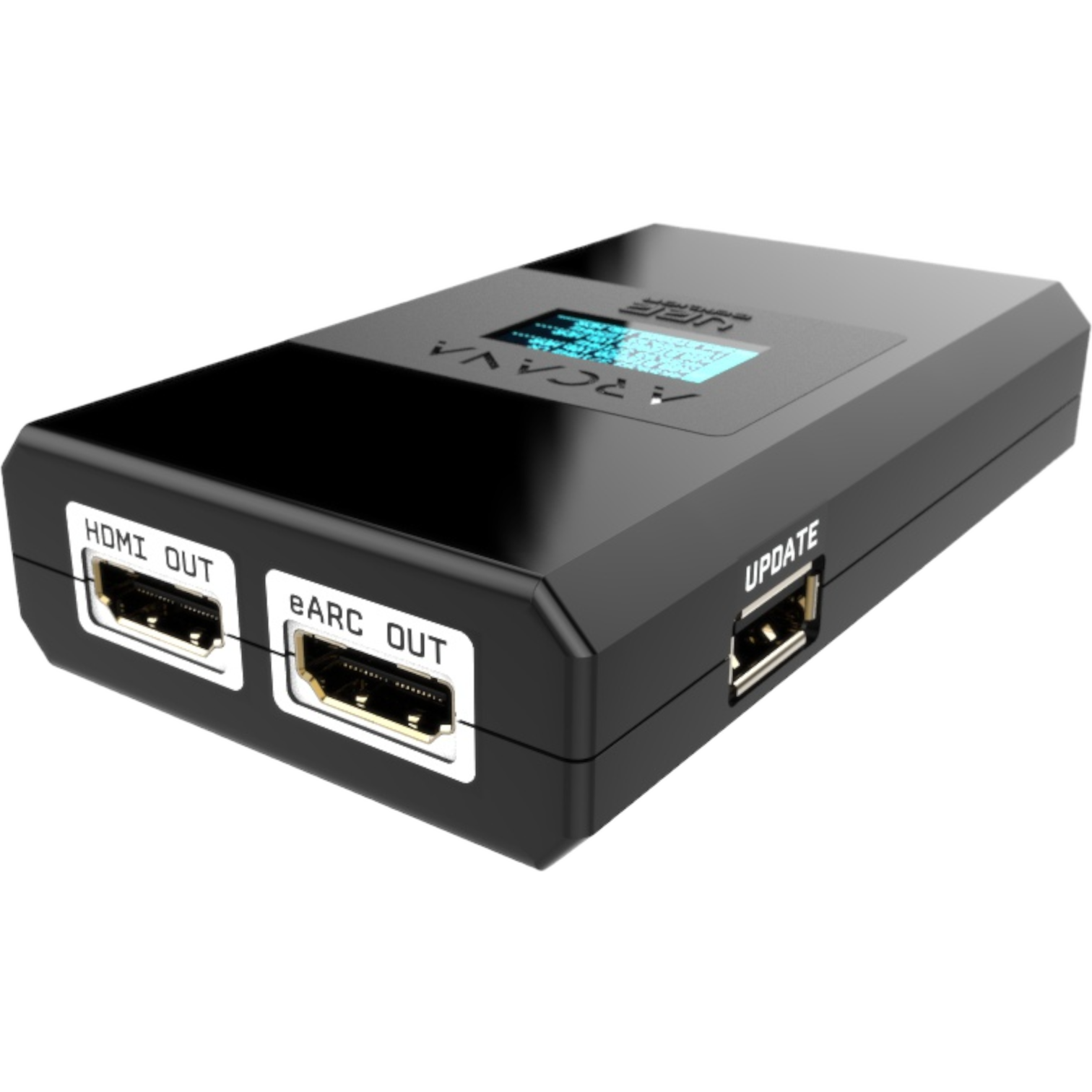
Connect your media player, game console or Blu-ray player to an HDfury Arcana and send full-quality audio directly to Sonos Arc, Beam Gen 2 or another ARC/eARC sound system—with video passed separately to your display.
Choose Arcana for 4K HDR systems or Arcana 2 for HDMI 2.1, VRR, 4K120 and 8K.
Start with the video signal you need. Both models can deliver full-quality audio to compatible ARC/eARC sound systems.
Still unsure? Use the full side-by-side comparison.
Open the comparison →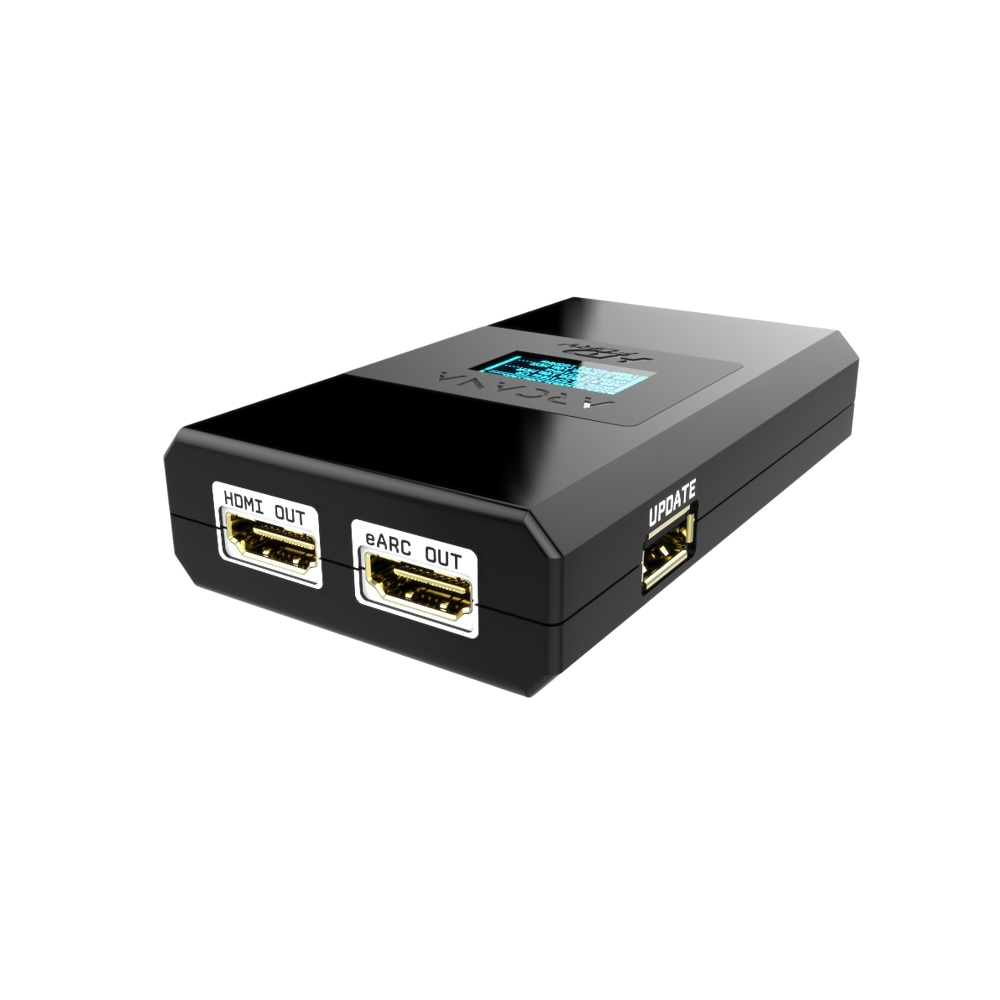
For 4K60 systems, Sonos Arc or Beam Gen 2, older TVs without eARC and projectors. Supports full-quality audio including Atmos over TrueHD.
For PS5, Xbox Series X, gaming PCs, 4K120, VRR and more complex installations requiring a second video or HDMI audio output.
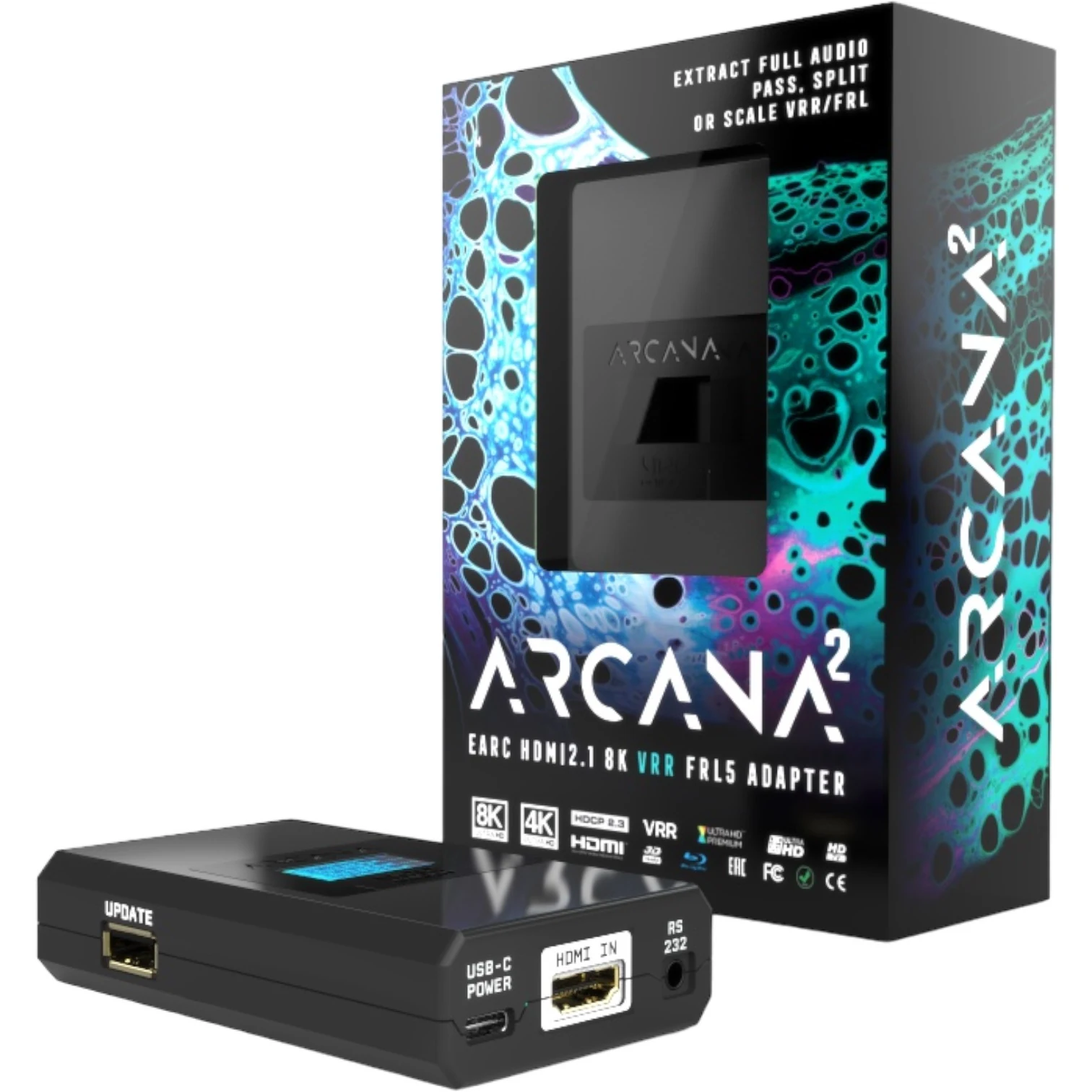
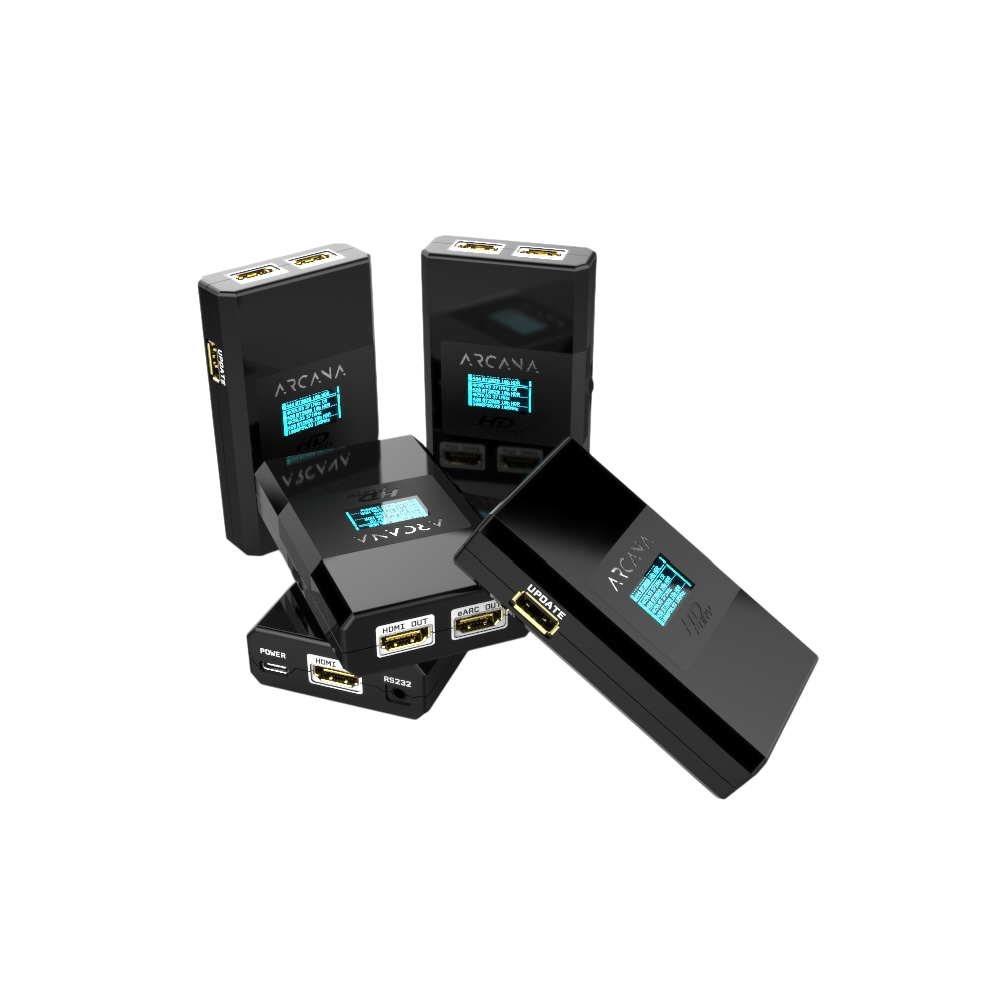
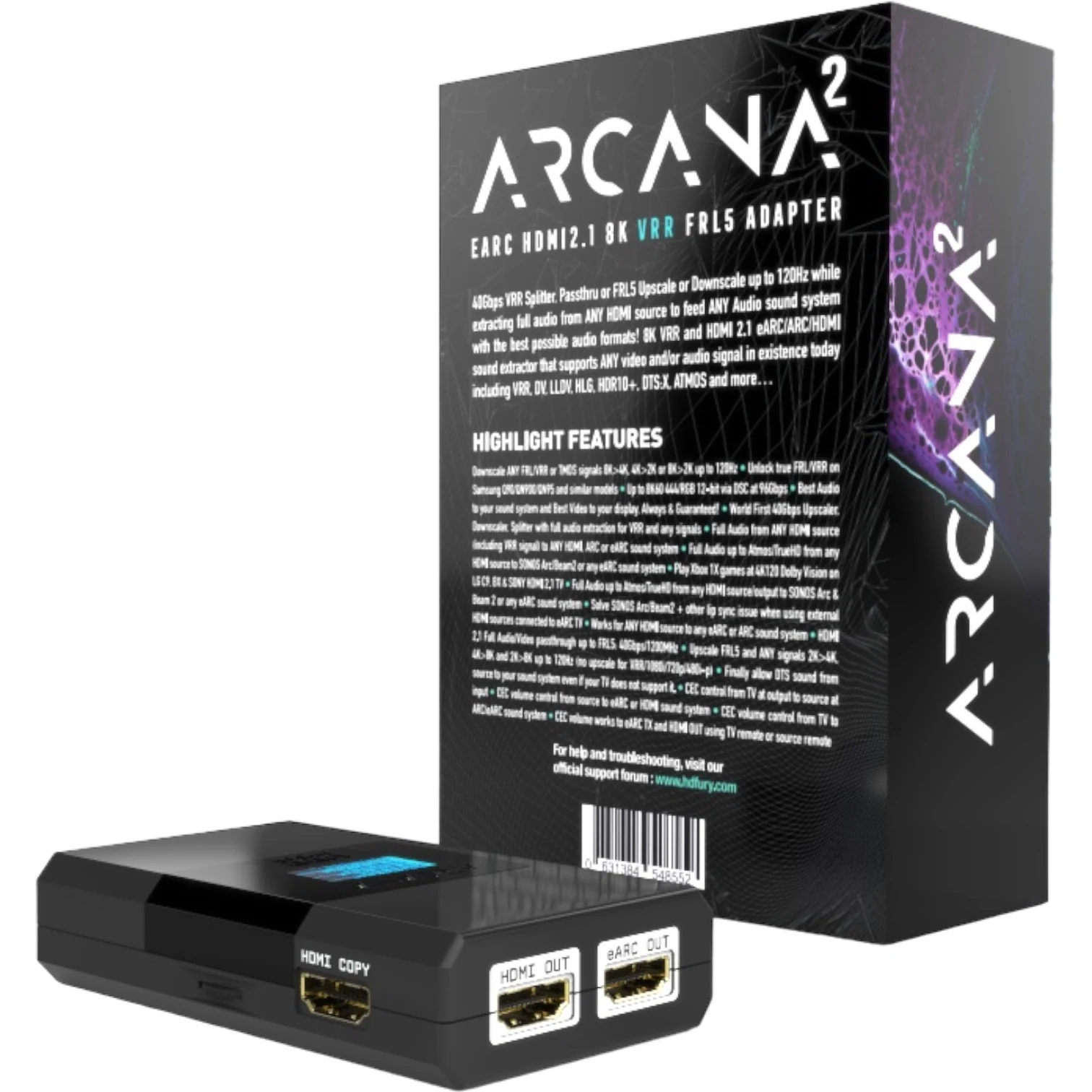
See the HDMI input, HDMI and eARC outputs, and the complete retail packaging.
Both models send full HDMI audio directly to an ARC/eARC audio system and can reduce lip-sync problems. The main differences are video bandwidth, gaming features, the number of outputs, and the flexibility of the HDMI COPY output.
| Feature | HDFURY ARCANA | HDFURY ARCANA 2 |
|---|---|---|
| HDMI generation | HDMI 2.0b, 18Gbps | HDMI 2.1 FRL5, 40Gbps |
| Best suited for | 4K60 systems, streaming, UHD Blu-ray, projectors, and Sonos Arc/Beam 2 | PS5, Xbox Series X, gaming PCs, 4K120, VRR, 8K, and more complex installations |
| Maximum practical video mode | Up to 4K60 4:4:4 8-bit; also supports 1080p120 and 1440p120 | Up to 4K120 4:4:4/RGB 10-bit VRR/HDR; 8K60 via DSC in supported combinations |
| VRR / HDMI 2.1 gaming | No for a full 4K120 FRL/VRR chain | Yes, provided the source, display, and cables support HDMI 2.1 FRL and the VRR format in use |
| Video outputs | 1× HDMI OUT | 1× HDMI OUT + 1× HDMI COPY OUT |
| Audio output | 1× eARC OUT for ARC/eARC audio systems | 1× eARC OUT plus HDMI COPY for HDMI audio to older AVRs |
| Full audio | Dolby Atmos/TrueHD, Dolby MAT Atmos, DTS:X, DTS-HD MA, and legacy formats, depending on the source and audio system | The same advanced audio formats, including with modern FRL/VRR signals |
| Scaling | Downscaling from 4K to 1080p/2K in supported modes | Upscaling and downscaling up to 120Hz, with signal-dependent exceptions |
| Second display / Hue Sync / capture | Not as a separate second output | Yes, through HDMI COPY in mirror, downscale, or audio-output mode |
| Lip sync and adjustable delay | Can bypass TV-related lip-sync delay by extracting audio directly from the source. Adjustable eARC delay from 0–255 ms when audio leads the video. | The same adjustable 0–255 ms eARC delay and direct audio extraction, suitable for modern 4K120/VRR chains. |
| Controls | OLED, rotary control, OSD, and RS232 | OLED, rotary control, OSD, and RS232 |
| Which one should you choose? | Choose HDFURY ARCANA if 4K60 is sufficient and you mainly need full audio or a Sonos lip-sync solution. | Choose HDFURY ARCANA 2 for 4K120, VRR, HDMI 2.1, a second output, or HDMI audio to an older receiver. |
On both models, eARC delay can be enabled and adjusted from 0 to 255 milliseconds. It is off by default. The manual is precise about the mechanism: the HDfury Arcana sends this delay value to the sink over the eARC protocol, so the audio system applies it. That is worth knowing, because a sound system that ignores the eARC delay message will not respond to the setting. The device cannot move already-late audio forward; that cause must be resolved elsewhere in the chain.
According to the manuals, both models add only a few pixel clocks of processing. This is not perceptible in normal use and is separate from the adjustable audio delay.
For each player, see separately how to connect it to HDFURY ARCANA and HDFURY ARCANA 2. The page also clearly shows when 4K120, VRR, or HDMI 2.1 is lost.
HDfury Arcana or Arcana 2 · Best all-round streamer
Compare both setups →02 · MEDIA PLAYERHDfury Arcana or Arcana 2 · Best for Plex and local media
Compare both setups →03 · GAME CONSOLEHDfury Arcana 2 recommended · Best for modern gaming
Compare both setups →04 · GAME CONSOLEHDfury Arcana 2 recommended · Strong gaming and audio combination
Compare both setups →05 · STREAMING PLAYERHDfury Arcana or Arcana 2 · Compact and straightforward
Compare both setups →06 · STREAMING PLAYERHDfury Arcana or Arcana 2 · Modern Google streamer
Compare both setups →07 · UHD Blu-rayHDfury Arcana or Arcana 2 · Best for UHD Blu-ray
Compare both setups →08 · LOCAL MEDIA PLAYERModel dependent · For local movie collections
Compare both setups →09 · STREAMING PLAYERHDfury Arcana or Arcana 2 · Popular in the US
Compare both setups →10 · PC / HTPCHDfury Arcana 2 strongly recommended · Most flexible
Compare both setups →11 · STREAMING PLAYERHDfury Arcana or Arcana 2 · Affordable Google streamer
Compare both setups →12 · UHD Blu-rayHDfury Arcana or Arcana 2 · Strong universal disc player
Compare both setups →13 · UHD Blu-rayHDfury Arcana or Arcana 2 · Affordable UHD Blu-ray
Compare both setups →14 · High-end UHD Blu-rayHDfury Arcana or Arcana 2 · High-end disc playback
Compare both setups →15 · UNIVERSAL DISC PLAYERHDfury Arcana or Arcana 2 · For extensive disc collections
Compare both setups →16 · HIGH-END DISC PLAYERHDfury Arcana or Arcana 2 · Modern high-end player
Compare both setups →17 · MEDIA PLAYERHDfury Arcana or Arcana 2 · Android TV and local media
Compare both setups →18 · LOCAL MEDIA PLAYERHDfury Arcana or Arcana 2 · For high-quality local media
Compare both setups →19 · IPTV / StreamingHDfury Arcana or Arcana 2 · For IPTV and streaming
Compare both setups →20 · GAME CONSOLE / UHDHDfury Arcana or Arcana 2 · 4K60 gaming and UHD Blu-ray
Compare both setups →21 · GAME CONSOLEHDfury Arcana or Arcana 2 · 4K60 console
Compare both setups →The online version adapts to every screen and is searchable. The original PDF remains available for offline use.
View all firmware versions, PDF manuals, the quick-start guide and the 3D wall-mount model for HDfury Arcana and Arcana 2.