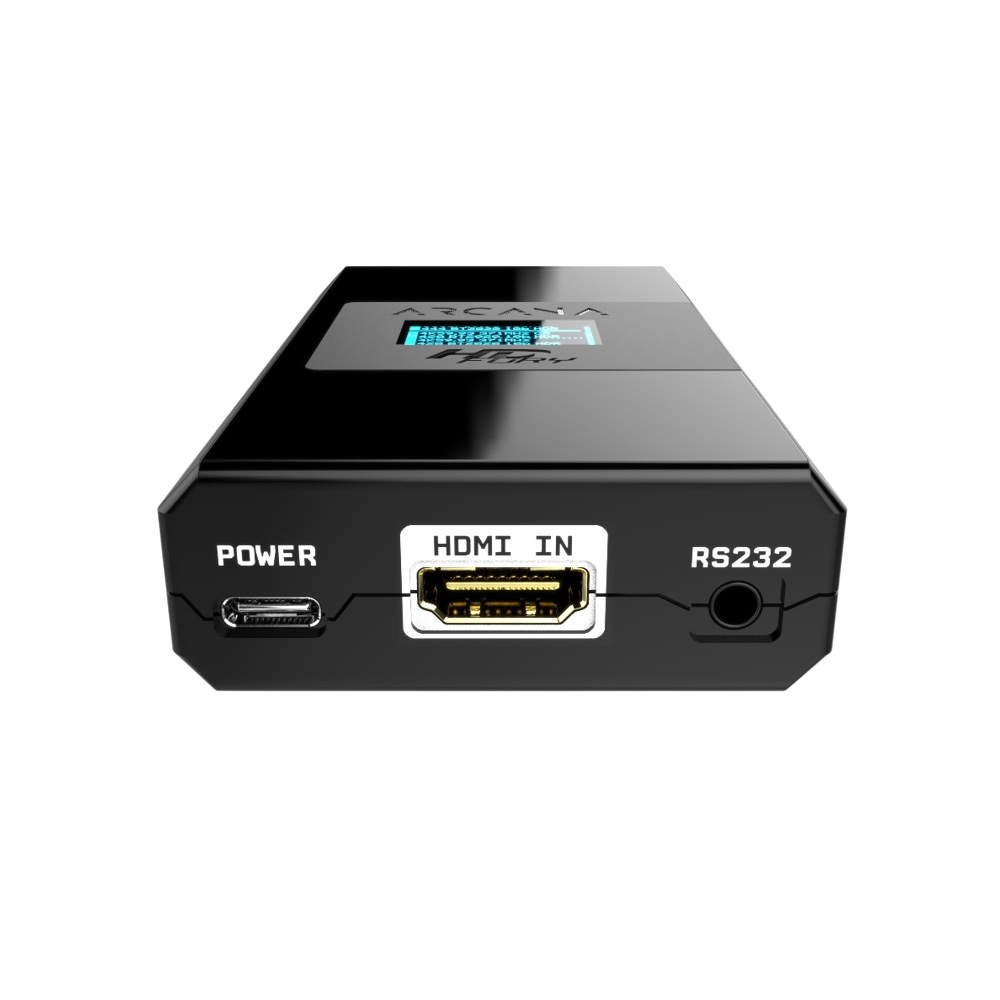
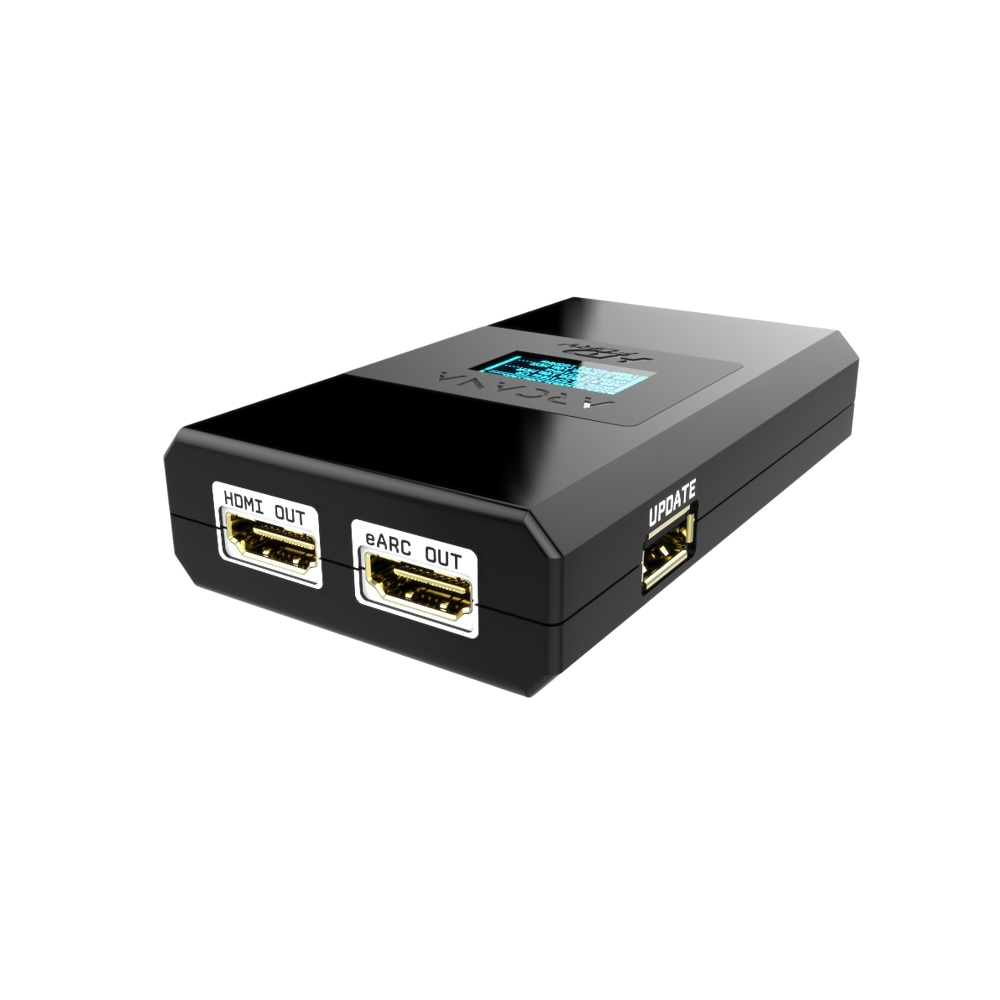
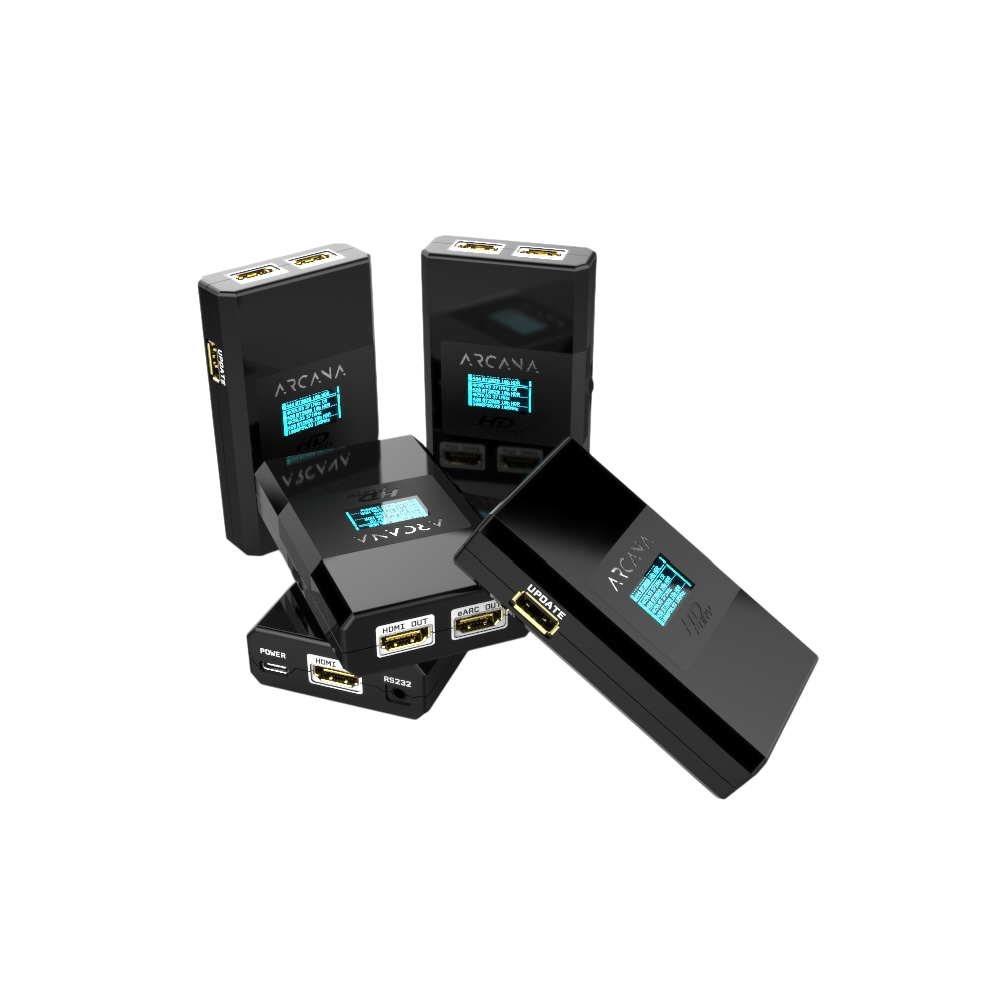
Full audio from external sources
Send audio up to Dolby Atmos over TrueHD, Dolby TrueHD, Dolby MAT Atmos, DTS:X, and DTS-HD Master Audio to a compatible audio system, provided the source and audio system support the format.
 OFFICIAL GUIDE
HDfury Arcana 18Gbps separates video and full HDMI audio from one external source. Video goes to your TV, projector, or monitor, while audio goes to Sonos Arc, Beam 2, or another compatible ARC/eARC system—even when the display does not have eARC.
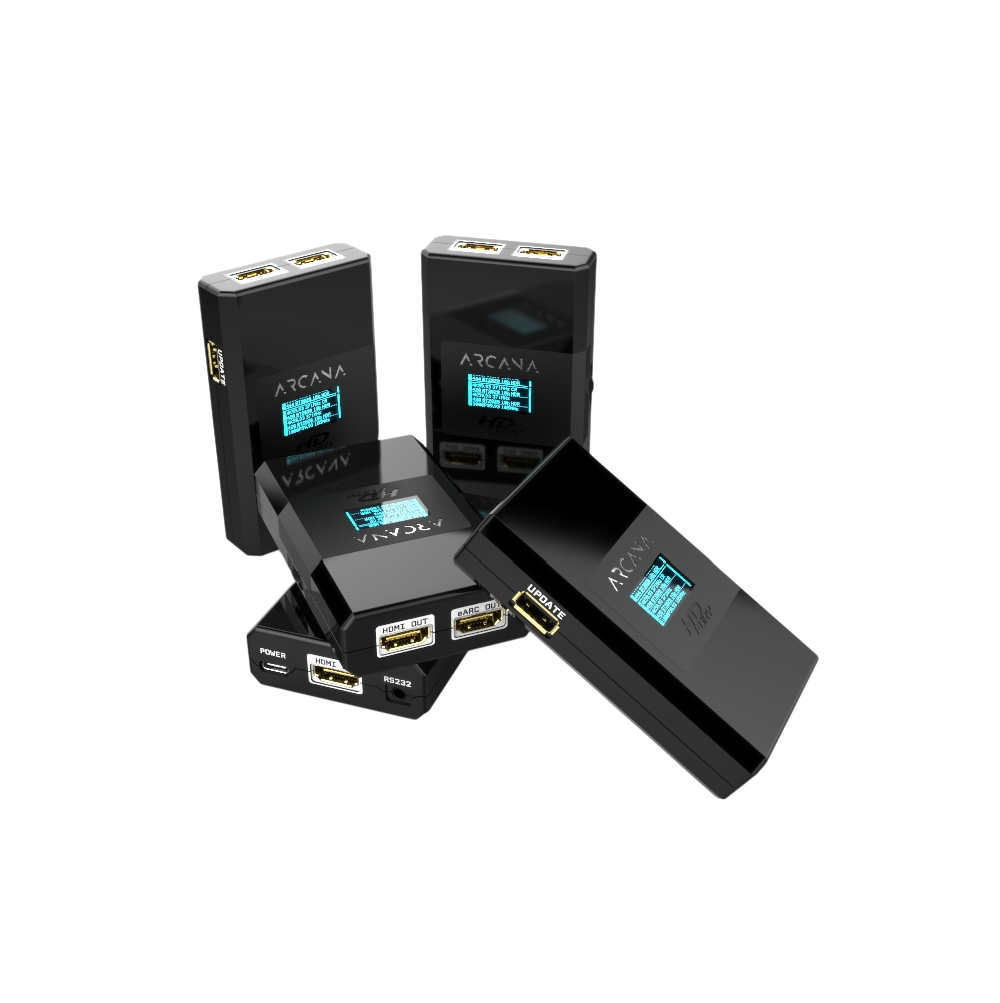
HDfury Arcana is placed between an external HDMI source and your display. It passes the video signal while creating a separate eARC audio output. Full audio from the source therefore does not first need to be processed or limited by the TV.
Send audio up to Dolby Atmos over TrueHD, Dolby TrueHD, Dolby MAT Atmos, DTS:X, and DTS-HD Master Audio to a compatible audio system, provided the source and audio system support the format.
Use Sonos Arc, Beam 2, or another ARC/eARC system even with a display without eARC. Video goes to the display through HDMI OUT; audio goes to the audio system through eARC OUT.
Supports HDMI 2.0b signals up to 18Gbps, including common 4K60 HDR, HDR10+, HLG, Dolby Vision, and LLDV formats. Limited 4K120 formats may fit within 18Gbps, but HDfury Arcana is not a 40Gbps HDMI 2.1/VRR solution.
HDfury Arcana combines the display’s video capabilities with the audio system’s audio capabilities. Downscaling, HDCP conversion, color settings, HDR metadata, and lip-sync adjustment are also available.
HDFURY ARCANA provides an adjustable eARC audio delay from 0 to 255 ms. This lets you precisely delay audio that leads the video. According to the manual, the video path itself adds only a few pixel clocks of processing.
The key specifications below are summarized for practical use. Always consult the full manual for menu options, exceptions, and signal-dependent settings.
Five official HDfury connection diagrams, from a single player to a full installation with an HDMI switch. Find the setup that matches your equipment and follow the cable routes before you change any HDfury Arcana setting. Every diagram comes straight from the HDfury documentation, so what you see here is what the manual shows.

This is the setup most people need. Your TV or projector cannot pass Dolby Atmos to your soundbar, so HDfury Arcana takes the audio directly from the source instead. You get full audio up to Dolby Atmos over TrueHD no matter what the display supports.
Connect the HDMI output of your source to the Arcana HDMI input and connect the Arcana HDMI output to any projector, monitor or display. Connect the Arcana eARC output to Sonos Arc or another compatible ARC/eARC sound system.
When your source has a separate audio output in addition to its HDMI output, you can connect that source directly to the projector, monitor or display. Connect the source audio output to the Arcana HDMI input and connect the Arcana eARC output to Sonos Arc.
When your display has an ARC or eARC port, Arcana can also retrieve the TV audio. That gives you full audio up to Dolby Atmos over TrueHD from the HDMI source, ARC audio returned from the TV, and CEC volume control from the source or TV to Sonos Arc.
Typical setups: an Apple TV 4K, UHD Blu-ray player or media player with a Sonos Arc or Beam Gen 2, combined with a projector or an older television without eARC.

Use this setup when a game console, streamer and disc player all have to reach the same sound system. The switch does the selecting; HDfury Arcana extracts full audio up to Dolby Atmos over TrueHD from whichever source is active.
Connect all sources to the HDMI inputs of your HDMI switcher and connect the HDMI output of the switcher to the Arcana HDMI input.
Connect the Arcana HDMI output to any projector, monitor or display and connect the Arcana eARC output to Sonos Arc or another compatible ARC/eARC sound system.
Any HDMI switch, matrix or splitter works here, including HDfury models such as Integral 2, Vertex 2, Diva and Maestro.

Choose this setup when you also want to hear the apps built into your television through the same soundbar. Netflix from the TV and Dolby Atmos from your player both end up at the Sonos Arc, with one remote for volume.
Connect all sources to the HDMI inputs of your HDMI switcher and connect the switcher output to the HDfury Arcana HDMI input.
Connect the Arcana HDMI output to the TV ARC input and connect the Arcana eARC output to Sonos Arc.
This gives you full audio up to Dolby Atmos over TrueHD from the HDMI sources, the ARC signal for the television’s own audio, and CEC volume control from the source or TV to Sonos Arc.

For larger installations that already use an HDfury Vertex 2, Diva or Maestro. Those handle four inputs and the video processing; Arcana adds the eARC output your sound system needs.
Connect the TX0 output of the Vertex 2, Diva or Maestro to the ARC or eARC input of your display and connect its HDMI audio output to the Arcana input.
Connect your sources to the four HDMI inputs of the Vertex 2, Diva or Maestro, and connect the Arcana eARC output to Sonos Arc.
Alternatively, connect the TX0 output straight to the Arcana HDMI input and the Arcana HDMI output to the TV ARC or eARC input. That route keeps CEC volume control from the source or TV to Sonos Arc working.

The most complete variant: several sources through a switch, plus the audio your television produces itself, returned over ARC or eARC by a SHARC.
Connect the SHARC (from thenaudio.com) to the ARC or eARC input of your display and connect the HDMI video and audio output of the SHARC to one of the switcher HDMI inputs.
Connect your remaining sources to the other HDMI inputs of the switcher and connect the switcher HDMI output to the HDfury Arcana HDMI input.
Connect the Arcana HDMI output to any projector, monitor or display and connect the Arcana eARC output to Sonos Arc.
Open a photo for a larger view of the HDMI input, HDMI and eARC outputs, enclosure, and multiple devices.
The answers below clarify the most common misunderstandings before installation or purchase.
No. HDfury Arcana does not change the TV’s connection or capabilities. It provides a separate eARC audio output from an external HDMI source, allowing that source to send full audio to the audio system.
Yes, from an external HDMI source. The source passes through Arcana; video goes to the display and full audio goes directly to Sonos Arc or another compatible eARC system.
Only within the TV’s ARC/eARC capabilities. Arcana can process the returning ARC/eARC signal, but it cannot create support that is missing from the TV app or TV output.
Use reliable 18Gbps cables between source, Arcana, and display. Keep copper cables short where possible. The cable from Arcana to Sonos Arc or another eARC system only needs reliable ARC/eARC support.
Arcana is primarily an 18Gbps HDMI 2.0b product. Some limited 4K120 formats fit within 18Gbps, but modern 4K120 10-bit HDR/VRR signals require Arcana 2 or another 40Gbps HDMI 2.1 solution.
Yes, with an HDMI switch, matrix, or receiver before Arcana. That intermediate equipment must support the full bandwidth, HDR, HDCP, and audio formats you use.
Check whether the source uses bitstream/passthrough, whether the content actually contains Atmos/TrueHD, whether the audio system supports the format, and whether the selected EDID correctly reports the audio capabilities. TV apps often provide a different Atmos format from external players.
HDFURY ARCANA extracts audio directly from the external HDMI source, often bypassing delay caused by decoding or re-encoding in the TV. When audio leads the picture, enable delay in the eARC menu and set a value from 0 to 255 ms. Start low and increase it gradually. The device cannot move audio forward when it already arrives too late; in that case, check the source, TV, and soundbar settings. Apple TV users can also use Wireless Audio Sync.
Technical specifications and firmware information are checked against the official HDfury product pages. Product purchases are handled through HDfury.eu. Last technical review: 23 July 2026.